TIER-II datacenter in Argentina
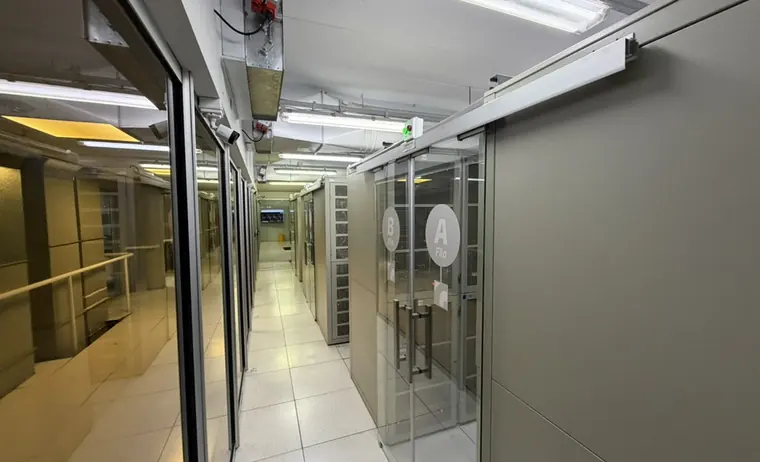
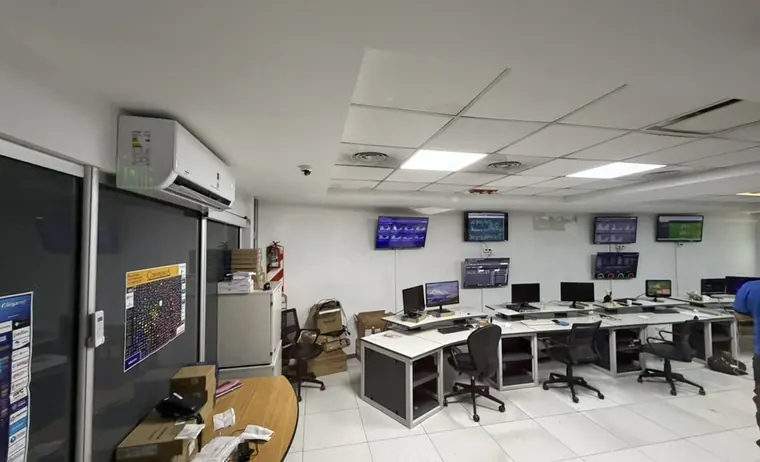
Your server lives in a TIER-II certified datacenter in Argentina, with redundant power and N+1 cooling. The IP is Argentine and domestic traffic never leaves the country.
Truly allocated resources, an Argentine IP and root access from the first minute. From $AR 14.950U$S 10 per month, no setup fee.
Native pricing in both currencies, straight from the billing system. No exchange-rate surprises at checkout.
Your Latin American users reach a server in Buenos Aires without international hops for local traffic.
Add vCPU, RAM or disk to the same instance. No reinstall, no data moves to grow.
The resources you order stay allocated to your instance. Nothing is resold beyond physical capacity.
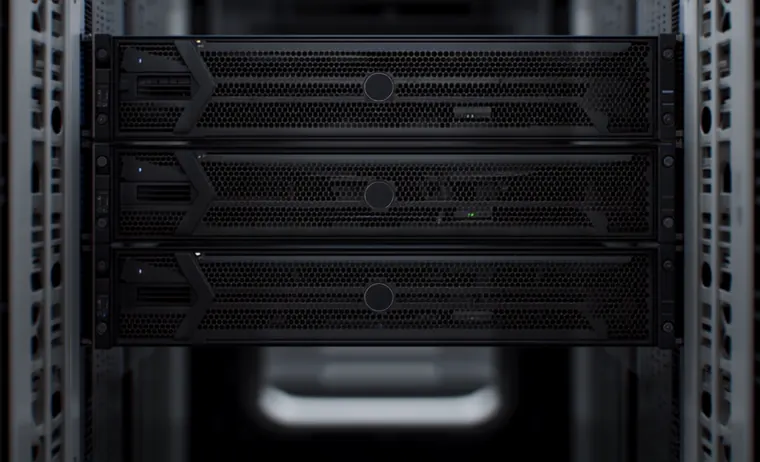
The platform runs on our own hardware in a TIER-II certified datacenter in Argentina, with Proxmox virtualization and SSD storage in RAID.
Your server lives in a TIER-II certified datacenter in Argentina, with redundant power and N+1 cooling. The IP is Argentine and domestic traffic never leaves the country.
Each instance runs isolated on Proxmox, with SSD storage in RAID — a redundant disk array that tolerates drive failures without interrupting the service.
The network backbone is 10 Gbps. Each VPS gets a shared port of up to 100 Mbps on a best-effort basis, expandable with guaranteed bandwidth.
99.9 % availability target across the Cloud VPS platform, with permanent monitoring and a public status page.
Full control from the first minute: root on Linux or Administrator on Windows, with rescue console and OS reinstallation whenever you need it.
In-house technical team in Buenos Aires. Ticket, phone and email support, with no offshore hand-offs.
The operating system and the Argentina location cost nothing extra. Control panels and additional resources are added to the plan's monthly price, and can be changed later.
WordPress, WooCommerce or Laravel with steady traffic and a dedicated database.
Recommended: VM2 · 2 vCPU / 2 GB / 30 GB
ERP, management systems and internal apps with several concurrent users.
Recommended: VM3 · 3 vCPU / 3 GB / 45 GB
Staging, CI, containers and test databases with guaranteed resources.
Recommended: VM4 · 4 vCPU / 4 GB / 60 GB
Windows Server with RDP access for teams working remotely.
Recommended: VM4 · 4 vCPU / 4 GB / 60 GB
From the client area you can power the instance on and off, reboot it, open a web console even when the server is unreachable over the network, reinstall the operating system and track CPU, memory, disk and network usage with hourly, daily, weekly and monthly history.
Client area screen. Values shown are sample data.
Compare vCPU, RAM and disk on the pricing board and click order. The plan is added to your cart.
Choose the operating system, location and, if you need them, a control panel or extra resources. You set the hostname and root password.
Confirm the order with your usual payment method. Provisioning runs automatically as soon as payment clears.
You receive the IP and credentials by email. From there, root access over SSH or Remote Desktop on Windows.
Pick a plan, configure the operating system and within minutes you have root access, a web console and server metrics in the client area.