TIER-IIcertified
TIER-II datacenter in Argentina
Your server lives in a TIER-II certified datacenter in Argentina, with redundant power and N+1 cooling. The IP is Argentine and domestic traffic never leaves the country.
We do not resell third-party capacity. Cloud VPS instances run on our own hardware in a TIER-II certified datacenter in Argentina, with Proxmox virtualization and redundant SSD storage.
Your server lives in a TIER-II certified datacenter in Argentina, with redundant power and N+1 cooling. The IP is Argentine and domestic traffic never leaves the country.
Each instance runs isolated on Proxmox, with SSD storage in RAID — a redundant disk array that tolerates drive failures without interrupting the service.
The network backbone is 10 Gbps. Each VPS gets a shared port of up to 100 Mbps on a best-effort basis, expandable with guaranteed bandwidth.
99.9 % availability target across the Cloud VPS platform, with permanent monitoring and a public status page.
Full control from the first minute: root on Linux or Administrator on Windows, with rescue console and OS reinstallation whenever you need it.
In-house technical team in Buenos Aires. Ticket, phone and email support, with no offshore hand-offs.
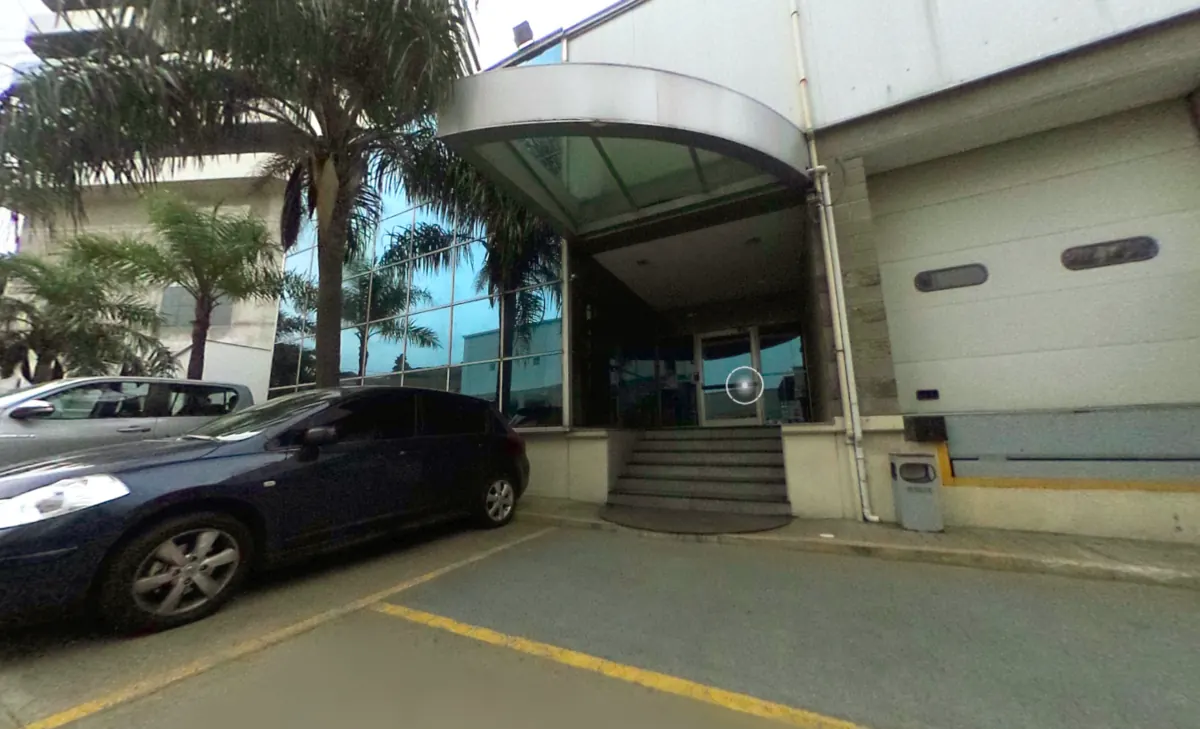
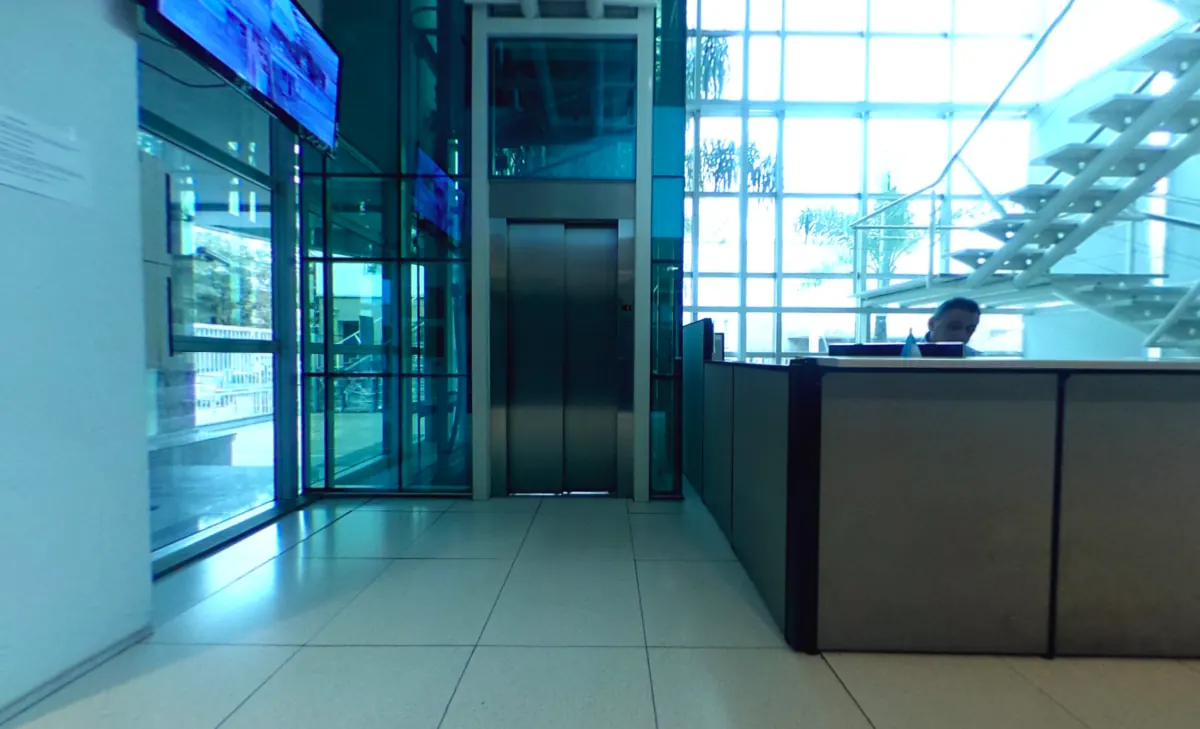
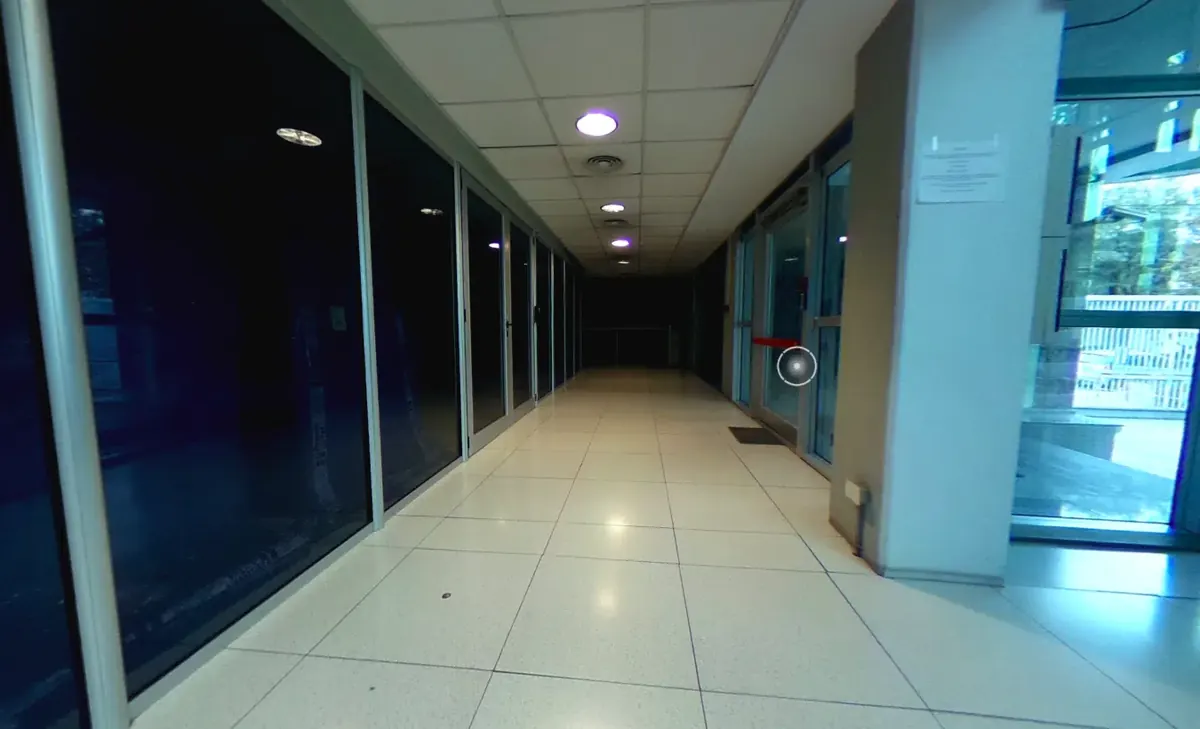
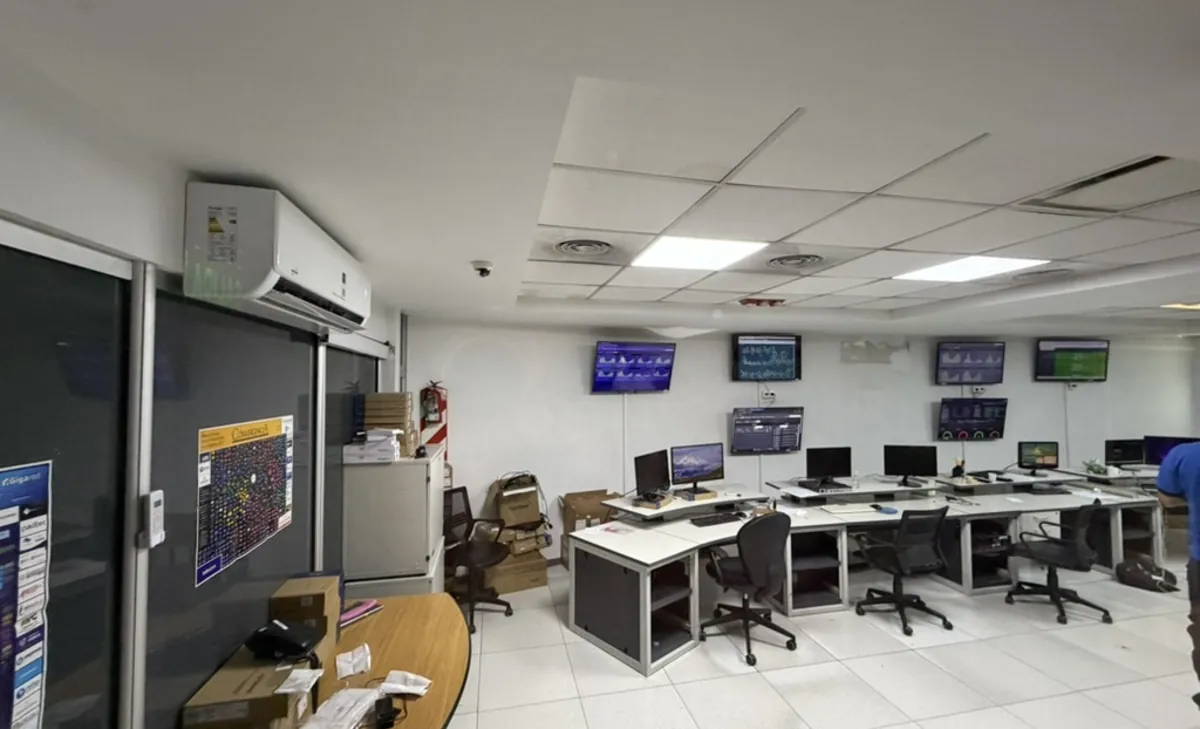
Seven stops, from the street door to the rack where your instance runs, in the same order you would see the facility on a visit. And you can visit: tours are scheduled by ticket.
The datacenter has its own building with parking and direct vehicle access, so you can bring equipment if you order housing. Visits are scheduled in advance.
The entrance is staffed at all times. Nobody enters the technical areas without prior registration and an escort: physical access control is part of the TIER-II certification.
The hallways connect the technical offices with the data rooms. Separating administrative zones from critical areas avoids unnecessary movement near the equipment.
The platform is watched here in real time: status boards on screen, network metrics and alerts. The team that answers your tickets works in this room, in the same building as the servers.
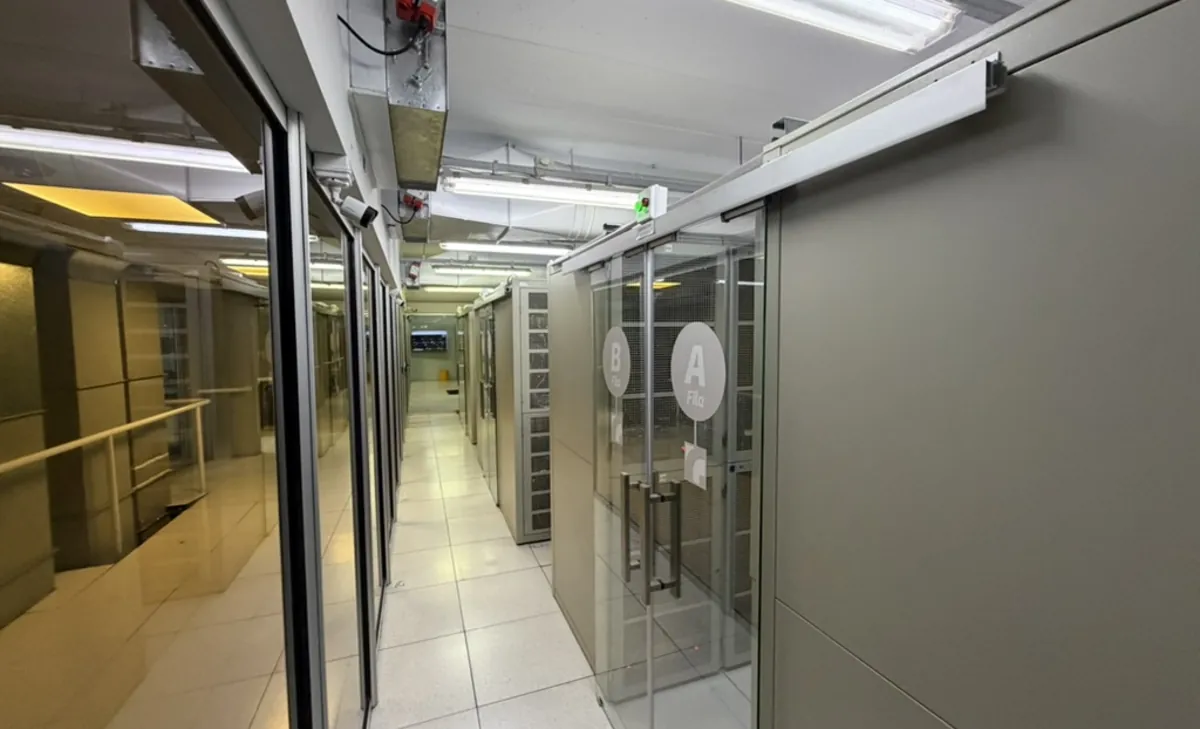
The data rooms are organized in rows of cabinets inside private cages, labeled A through F, with raised flooring and ducted cooling. Each cage has its own access control.
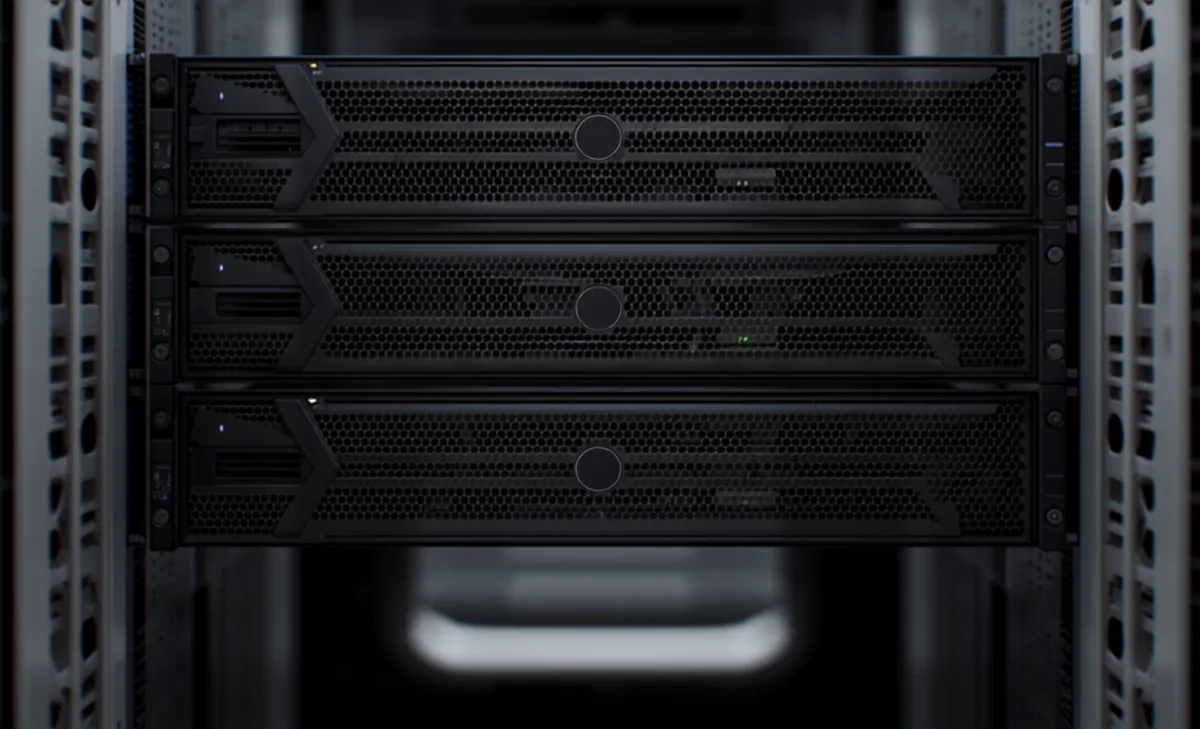
The virtualization nodes: Dell PowerEdge servers with RAID disks, redundant power supplies on independent circuits and cabling labeled port by port. Every Cloud VPS runs on this hardware.
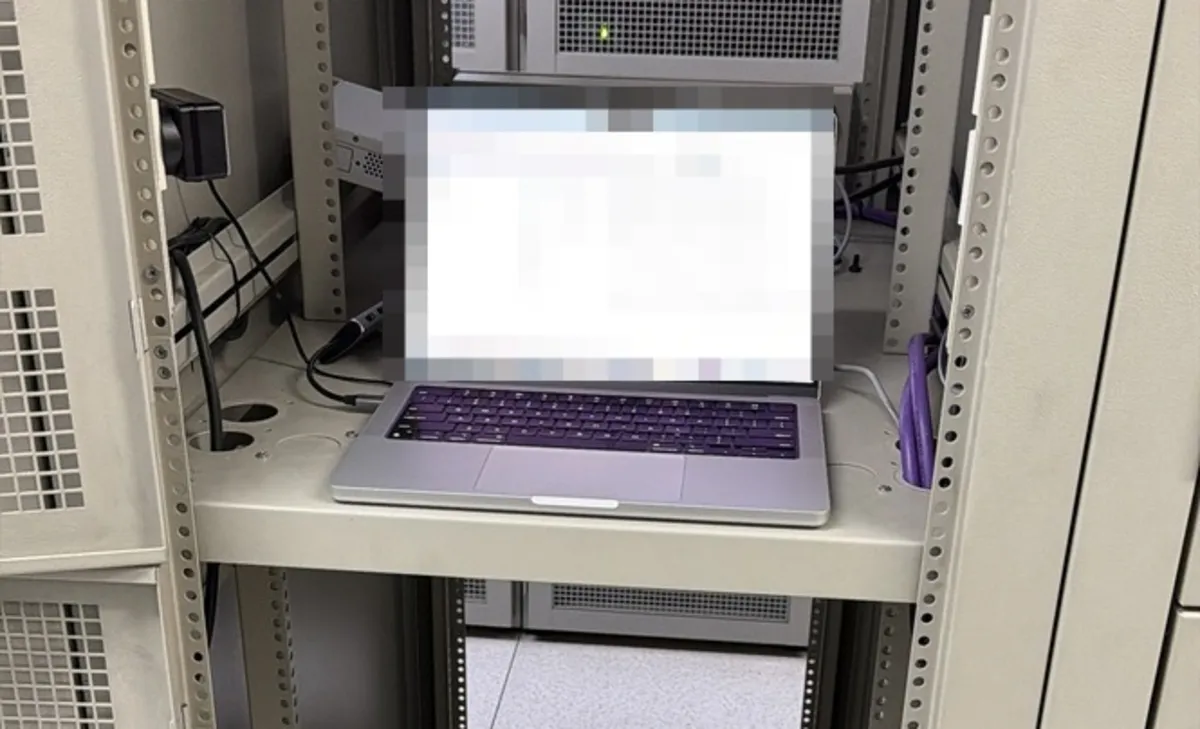
When a job calls for it, the technician works directly on the rack: laptop plugged into the row switch and physical access to the server. No middlemen, no waiting on an external provider.
Each VPS is an isolated virtual machine on Proxmox VE. The resources you order stay assigned to your instance: they are not dynamically shared between customers or sold beyond the node's physical capacity.
From the panel you can reboot, shut down and reinstall the operating system without depending on support, and open a console when the server's network is unresponsive.
Disks are SSDs configured in RAID (Redundant Array of Independent Disks), combining mirroring and striping: the array tolerates drive failures without interrupting the service and holds up better under filesystem read and write load.
If you need more space than the plan includes, additional SAS or SSD volumes of up to 2 TB attach to the same instance.
The datacenter's network backbone is 10 Gbps. Each Cloud VPS gets a shared port of up to 100 Mbps on a best-effort basis, enough for most web workloads.
When a project needs predictable throughput, guaranteed bandwidth of 5, 25, 50 or 100 Mbps is available. Instances in the same datacenter can also link over a private network.
The facility is TIER-II certified: redundant power with UPS and generator backup, and N+1 cooling. The Cloud VPS platform availability target is 99.9%.
Service status is public and can be checked at any time.
Argentina is the default location at no extra cost. Other regions deploy on request, with a monthly surcharge on top of the plan price.
| Location | Monthly surcharge | Availability |
|---|---|---|
| Argentina | Free | Immediate |
| USA | +$AR 44.850+U$S 30 | On request |
| Chile | +$AR 299.000+U$S 200 | On request |
| Colombia | +$AR 299.000+U$S 200 | On request |
| Mexico | +$AR 299.000+U$S 200 | On request |
The platform is watched around the clock. Incidents affecting service are published on the status page.
In-house technical team in Buenos Aires, by ticket, phone and email — in English and Spanish, with no offshore hand-offs.
If the server will not boot or you lose network access, open the console and reinstall the operating system yourself.
The client panel charts your instance's CPU, memory, disk and network traffic, with hourly, daily, weekly and monthly history.
Start with the lightest plan and add vCPU, RAM or disk to the same instance when the project calls for it.